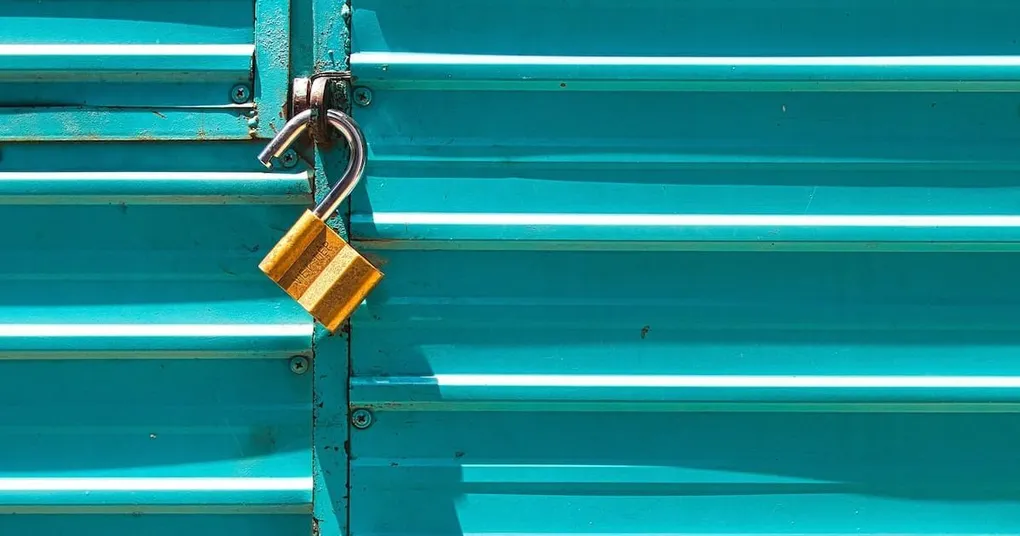
A private client photo gallery has three layers of protection: a link that isn’t published anywhere, a password only your client knows, and control over what viewers can do with the files. Get all three right and you can hand over a wedding gallery, a boudoir session, or an embargoed product shoot knowing exactly who can see it.
Most photographers stop at the first layer, and a “hidden” URL travels much further than expected once it lands in a family group chat. For sessions with children, boudoir work, or commercial images that can’t leak before a launch date, real privacy is non-negotiable. Here’s how to build it, in five steps:
- Choose where the gallery will live
- Curate and structure before you upload
- Lock the gallery down
- Set download and sharing permissions
- Deliver the link without undoing the privacy
What Makes a Client Photo Gallery Actually Private
Privacy isn’t one switch. It’s a stack of controls, and each one closes a different gap:
- An unlisted link. The gallery doesn’t appear on your site, in your portfolio index, or in search results. Only people with the URL can find it.
- A password. Even if the link gets forwarded, viewers hit a login wall. This is what people usually mean by a password protected photo gallery.
- Download controls. You decide whether viewers can download at all, at what resolution, and whether a separate PIN is required.
- Expiration and revocation. You can expire the gallery on a date, or cut access instantly if something goes wrong.
Generic cloud storage gives you a link and not much else. A dedicated online photo gallery for photographers gives you all four, which drives most of the decisions below.
Step 1: Choose Where the Gallery Will Live
There are three realistic options for hosting a photo gallery for clients.
Dedicated client gallery platforms. Services like Picstack, Pixieset, ShootProof, and Pic-Time are built for photographer-to-client delivery, so the privacy features come standard: per-gallery passwords, unlisted links, download permissions, and a presentation layer that shows photos large and properly color-managed instead of as file thumbnails. Most offer a free tier or trial, with paid plans typically between $10 and $40 per month depending on storage.
Generic cloud storage. Google Drive and Dropbox can move files, but their sharing model is the weak point. The common “Anyone with the link can view” setting means exactly that: anyone, forever, with no password wall and no record of who opened it. Restricting a folder to specific email addresses works, but then every relative who wants to see the photos needs an account, and you’re fielding access requests for weeks.
Your own website. A password-protected page on a WordPress or Squarespace site keeps everything on your domain, but you become the IT department: plugin updates, storage limits, and download handling are all your problem. It makes sense mostly if you already run a heavily customized site.
For regular client work, the dedicated platform is the clear winner: the privacy controls exist out of the box, and the gallery reads as a professional deliverable rather than a shared folder.
Step 2: Curate and Structure Before You Upload
Privacy settings protect the gallery; curation protects your reputation inside it. Deliver only your best, fully edited work, organized so the client can navigate it: sub-galleries for “Ceremony,” “Portraits,” and “Reception” for a wedding, or “Selects” and “Full Shoot” for a commercial job.
Structure matters for privacy too. If you separate the images a client may share publicly from the ones that stay private (a common request in boudoir and family work), you can apply different settings per sub-gallery instead of policing individual photos later. The wider delivery workflow, from sneak peeks to follow-up emails, is covered in the guide on the best way to share photos with clients.
Step 3: Lock the Gallery Down
This is the step that makes the gallery private rather than merely unlisted.
- Set a unique password per client. Never reuse a house password across galleries; if one leaks, only that gallery is exposed.
- Send the password separately from the link. Link by email, password by text message. A forwarded email alone grants nothing.
- Keep the gallery off your public pages. Most platforms have a “hide from homepage” or “unlisted” toggle and a search engine visibility setting. Turn them on before you share the link, not after.
- Use the extra layers where offered. Some platforms support a separate download PIN on top of the gallery password (Pixieset uses a four-digit PIN), or an email whitelist so only addresses you approve can enter. For sensitive shoots, turn these on.
Step 4: Set Download and Sharing Permissions
Decide what viewers can take away, not just what they can see.
- Downloads on or off. Keep downloads off during proofing rounds and let clients favorite instead; enable them for final delivery.
- Resolution limits. Offer web-sized downloads for sharing and reserve full resolution for the client. When a shoot includes print licensing, you’ll need to deliver the big files; the guide on how to send high resolution photos covers the options.
- Watermarks for proofing. A visible watermark discourages screenshots of unfinished work. Remove it for final delivery; watermarked finals read as distrust.
One overlooked detail: check whether guests can download individual photos while full-gallery downloads stay reserved for the client. That split matches how most clients actually share a gallery with family.
Step 5: Deliver the Link Without Undoing the Privacy
All those settings can be defeated by one careless delivery email. Send the link with a short personal note, tell the client the password arrives by text, and spell out how long the gallery stays online and whether they may share the link onward. If you want to post sneak peeks on social media, get written consent first; a client who paid for a private gallery reasonably expects that nothing appears in public without a yes.
A custom subdomain (galleries.yourdomain.com) is worth setting up if your platform supports it: the delivery email looks like it came from you, not from a file-sharing service.
The settings and the habits both have to hold up over time, and a few common slips can undo them.
Mistakes That Quietly Break Privacy
- Testing with the public link. If you send the gallery to a second shooter or an editor before locking it down, the unprotected URL is already sitting in someone’s browser history and inbox.
- Silent expiration. A client who finds a dead link while ordering anniversary prints remembers the dead link, not the gallery. Announce the lifetime up front and send a reminder before it ends.
- Forgetting revocation. When a relationship sours or a corporate embargo shifts, you want to already know where the “disable gallery” switch is.
Private delivery is ultimately a trust exercise. The photos prove your skill; the gallery proves you take care of what clients hand you. Make these habits your default for every shoot and they stop costing you any extra time at all.