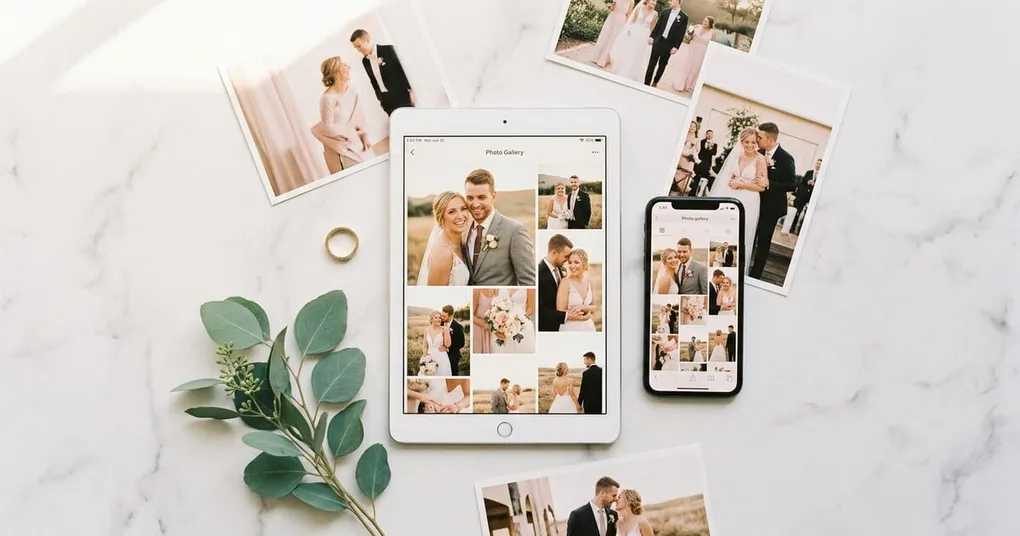
The wedding is over. The photographer has delivered hundreds of edited images, and guests have their own phones full of candid shots from the dance floor, the ceremony, and everything in between. Now the question is: how do you get all of these photos into one place and share them with everyone who was there?
A generic cloud folder technically works, but it strips away the context and presentation that make wedding photos worth sharing. The right wedding photo sharing service keeps everything organized, looks good, and makes it easy for guests to browse and download without friction.
This guide covers the main types of wedding photo sharing platforms, what to look for, and practical tips for both couples and photographers.
What Makes Wedding Photo Sharing Different
Wedding photo sharing has requirements that general file sharing tools were not built for. A typical wedding generates photos from two distinct sources: the professional photographer (edited, high-resolution images) and guests (candid phone photos taken throughout the day). These need different handling.
Professional photos need to be presented well. They represent hours of skilled work and should be displayed in a gallery that does them justice, not as file thumbnails in a folder. Guest photos need a low-friction collection method, since you’re asking dozens of people to contribute, and most will only do it if it takes under a minute.
A good wedding photo sharing platform handles both sides: polished delivery of the photographer’s gallery and easy collection and sharing of guest photos.
Types of Wedding Photo Sharing Platforms
There are four main approaches to wedding photo sharing, each serving different needs.
Dedicated Wedding Photo Sharing Apps
Apps built specifically for wedding photo sharing focus on guest participation. They typically offer a shared album that the couple creates, a QR code or link for guests to join, and the ability for everyone to upload and view photos in one place.
Strengths: Purpose-built for the wedding use case. Low friction for guests. Often include features like timeline views, guest tagging, and automatic organization by time or location. Some offer printed album integration.
Limitations: Mainly designed for guest photos. Not ideal for presenting the photographer’s professional gallery, since the interface treats all photos equally rather than showcasing edited work.
Best for: Couples who want to collect candid guest photos and create a shared album everyone can contribute to. If you’re searching for the best wedding photo sharing app, these dedicated apps are the most popular category.
Photographer Gallery Platforms
These platforms are designed for photographers to deliver finished work to clients. They offer branded galleries, organized albums, download controls, and a presentation layer that makes professional photos look their best.
Strengths: Photos are displayed in a curated, distraction-free layout. Support for sub-galleries (ceremony, reception, portraits) keeps things organized. Many include password protection, download tracking, and activity notifications. Some allow guest access to the gallery, which means the couple can share the photographer’s link directly with their wedding party.
Limitations: Not designed for guest uploads. The workflow is photographer-to-client, not crowd-sourced.
Best for: Photographers delivering the final wedding gallery, and couples who want a polished way to share professional photos with family and friends.
Platforms like Picstack fall into this category. You upload, organize into subgalleries, share a branded link, and guests can browse and download without needing an account. If your photographer uses a platform like this, you may not need a separate service for sharing the professional photos with guests.
Cloud Storage (Google Drive, Dropbox, iCloud)
General-purpose cloud storage works for transferring files but was not designed for photo presentation. Photos appear as file thumbnails in a folder view, with no curation, branding, or organization beyond whatever folder names you create.
Strengths: Free or cheap. Everyone already has an account. Good for raw file transfer when presentation doesn’t matter.
Limitations: No gallery view, no easy way for guests to browse. File names like “DSC_8842.jpg” mean nothing to anyone. Sharing permissions can be confusing. Not great on mobile for viewing large sets of photos.
Best for: Backup delivery or transferring files between photographer and couple when the couple plans to use a different platform for sharing with guests.
Social Media Shared Albums
Private Facebook albums, shared Google Photos albums, or iCloud Shared Photo Libraries offer a familiar, no-cost option. Guests can view and often contribute photos without installing anything new.
Strengths: Zero learning curve. Most guests already use these platforms daily. Google Photos shared albums are particularly strong for auto-organizing by faces and dates. Free and unlimited (within platform limits).
Limitations: Photo quality is compressed on most social platforms. Privacy controls vary. You’re mixing wedding photos with everyday social media content. Albums can become disorganized quickly with dozens of contributors. Limited control over downloads and no professional presentation.
Best for: Casual sharing among close family or as a supplement to a dedicated platform. Also works well for collecting guest photos when you don’t need full resolution.
What to Look For in a Wedding Photo Sharing Service
Not every platform fits every wedding. These are the features that matter most.
Easy Guest Access
The single most important factor. If guests need to create an account, download an app, or navigate a confusing interface, most of them won’t bother. The best wedding photo sharing platforms let guests click a link and immediately see (or upload) photos. A QR code that opens directly to the gallery on a phone is the gold standard for guest participation.
Organization by Event Section
A wedding has distinct parts: getting ready, ceremony, cocktail hour, reception, portraits. The platform should support sub-albums or sections so guests can find photos from a specific moment without scrolling through hundreds of images.
Download Options
Guests will want to download photos. The platform should support downloading individual images, selected batches, and ideally the full album at once. Restricting downloads to one-at-a-time is a common frustration.
Mobile Experience
Most guests will view and upload photos from their phones. The platform must work well on mobile browsers without requiring a native app. Photo uploads from the camera roll should be straightforward.
Privacy and Permissions
Wedding photos are personal. The platform should offer a password protected photo gallery or private links at minimum. For wedding guest photo sharing features, the couple should be able to moderate submissions before they appear in the shared album.
Tips for Sharing Wedding Photos with Guests
Set Up Before the Wedding
Don’t wait until after the event to figure out how you’ll share photos. Choose your platform and create the shared album before the wedding day. If you’re using a QR code for guest uploads, have it printed and placed on tables, at the welcome sign, or in the program.
Combine Professional and Guest Photos
The most complete wedding albums include both the photographer’s work and guest candids. Consider using two platforms: one where your photographer delivers the professional gallery, and one where guests contribute their own shots. Or find a platform that handles both.
Send the Gallery Link Promptly
Once you receive the professional photos, share wedding photos with guests within a week. Excitement fades quickly, and the sooner people see the photos, the more likely they are to download, share, and engage. Include a brief message with the link explaining how to browse and download.
Organize Before You Share
If the platform supports albums or sections, organize photos before sending the link. A gallery split into “Ceremony,” “Reception,” and “Portraits” is immediately navigable. A single feed of 500 photos in chronological order is overwhelming.
Keep the Gallery Active
Guests will come back to download photos weeks or months after the wedding. Wherever possible, choose a platform that keeps galleries accessible for at least 6 to 12 months. If there’s an expiration, warn guests in advance and send a reminder before the gallery goes offline.
For Wedding Photographers: Delivering the Gallery
If you’re a wedding photographer looking for the best way to deliver photos to clients, the approach overlaps with this guide but has additional considerations around branding, proofing, and professional workflow. The article on the best way to share photos with clients covers this in detail.
The short version: use a dedicated photographer gallery platform that presents your work professionally, supports organized sub-galleries for different parts of the wedding day, and allows the couple to share the gallery link with guests. This saves the couple from having to re-upload everything to a separate wedding photo sharing service.
Choosing the Right Platform
The best wedding photo sharing platform depends on what you need most.
If your primary goal is collecting candid guest photos from the event, a dedicated wedding sharing app with QR code upload is the strongest choice. If the priority is presenting the photographer’s professional gallery to family and friends, a photographer gallery platform will give you better presentation and organization. For casual sharing among close family, a free shared album on Google Photos or iCloud works fine.
Many couples end up using two platforms: one for the professional gallery (handled by the photographer) and one for guest photo collection. That combination covers both sides of wedding photo sharing without compromise.